I have created various programming projects, including games, applications, visualizations, websites, and command line interfaces. This page lists some of my most interesting projects. If you would like more information about the projects or would like to try them out for yourself, click on the links (highlighted in blue).
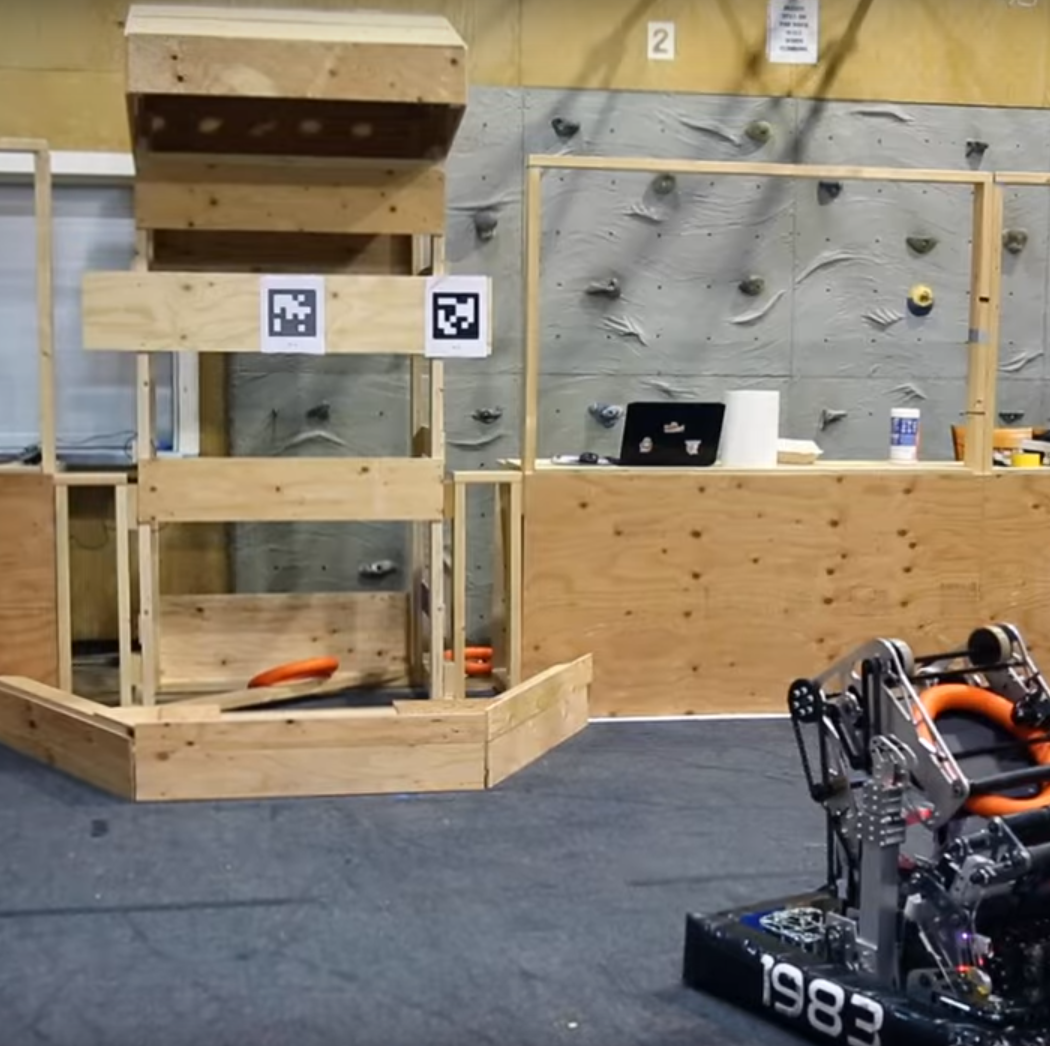
I have been on FIRST robotics team SkunkWorks Robotics since 2022. During the 2024 season, I led the design and implementation of an auto aim algorithm. I started this project on the day of kickoff and continued refining the algorithm over our final competition. This project alone took over 150 hours of time. Below is an excerpt from the Shooter Targeting System section of the Engineering Notebook, which I wrote (thereby helping win Excellence in Engineering at a District Competition and DCMPs).
The Shooter targeting system is an essential part of the functionality of our robot. Instead of driving up to the subwoofer [base of the goal] to shoot, the shooter targeting system allows the robot to shoot notes [game pieces] into the speaker [goal] from up to 18 feet away and an angle range of 120°. An intelligent targeting system allows our robot to score points faster, avoid defenders, and stay out of heavily occupied areas.
The shooter targeting system aims the pivot of the shooter based on the position the robot detects via the visual and mechanical odometry systems. The targeting system locks into place when the robot slows down to ensure the note is not accidentally imparted with upward or downward acceleration which would cause the robot to miss shot. As soon as the robot starts moving again and the pivot angle is no longer accurate, the command dynamically readjusts to a more accurate rotation.
The shooter targeting system has undergone massive changes throughout the build season. We have attempted 5 major shooter targeting systems: a complete numerical solution, a partial solution using a real time bisection algorithm, linear aim, polynomial curve fit, and inverse distance weighted average. We considered each of these solutions carefully, designing simulations, robot code, and mathematical models before we finally decided to use a polynomial curve fit.
We decided to not use theoretical/mathematical approach based on the knowledge we gained from our previous shooter targeting systems: they can take up significant robot processing time, cannot possibly consider all the variation present in the robot, and are less intuitive and thereby more difficult to troubleshoot both in preparation for and during competition. For this reason, our team decided to use an empirically based solution with a precomputed curve to offload Roborio computation time to allow for more important computations.
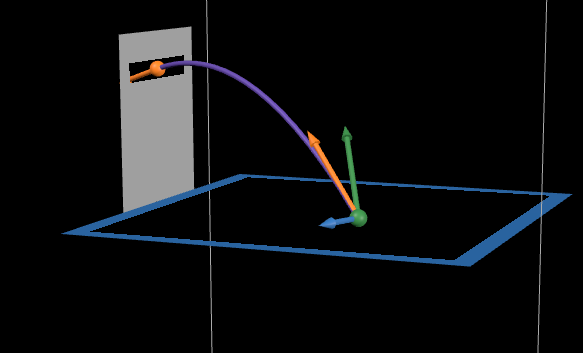
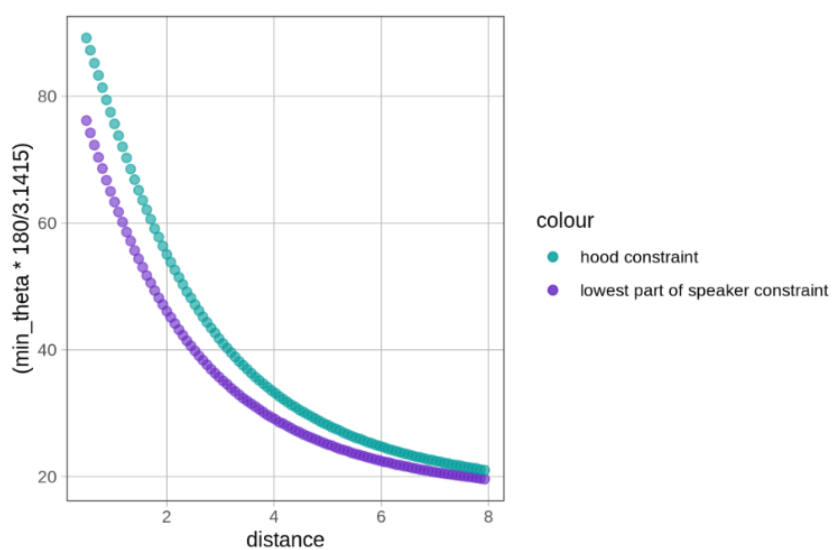
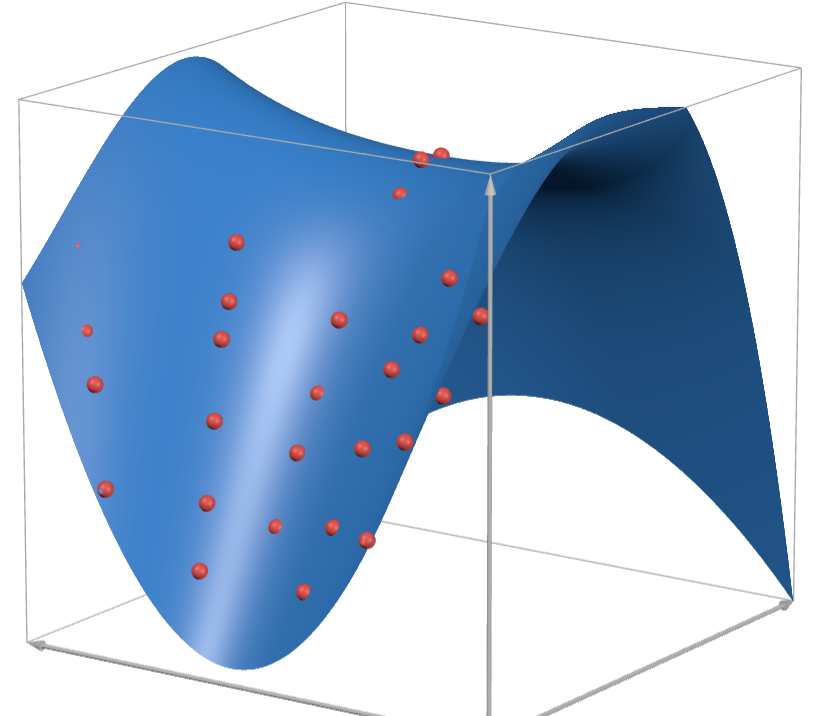
The polynomial curve is calculated based on 44 viable position-angle combinations. Any incorrect data could negatively influence the performance of the robot in competition, so the position of the robot was measured to sub-centimeter precision and the note trajectory through the speaker was recorded with a high-speed slow-motion camera to pick up on subtle variation that the human eye could not detect. Instead of accepting angles that cause the note to just go into the speaker, we made sure the angle caused the note to go perfectly through the center of the speaker. That way, even if unexpected variation caused the note to go off course, it will most likely still pass through the goal.
In order to turn the data points into a format that the robot can quickly access in competition, we used an algorithm to minimize the total sum of squares of the residuals between the data points and polynomial model. This algorithm distilled all our data points into just 10 coefficients. The x and y positions can then be plugged in to get the ideal shooter angle in constant time.
I built simulations in a variety of languages including JavaScript, Python, and Java. The final algorithm uses Python to find the polynomial curve in advance and Java to calculate the angle based on the polynomial during the match.
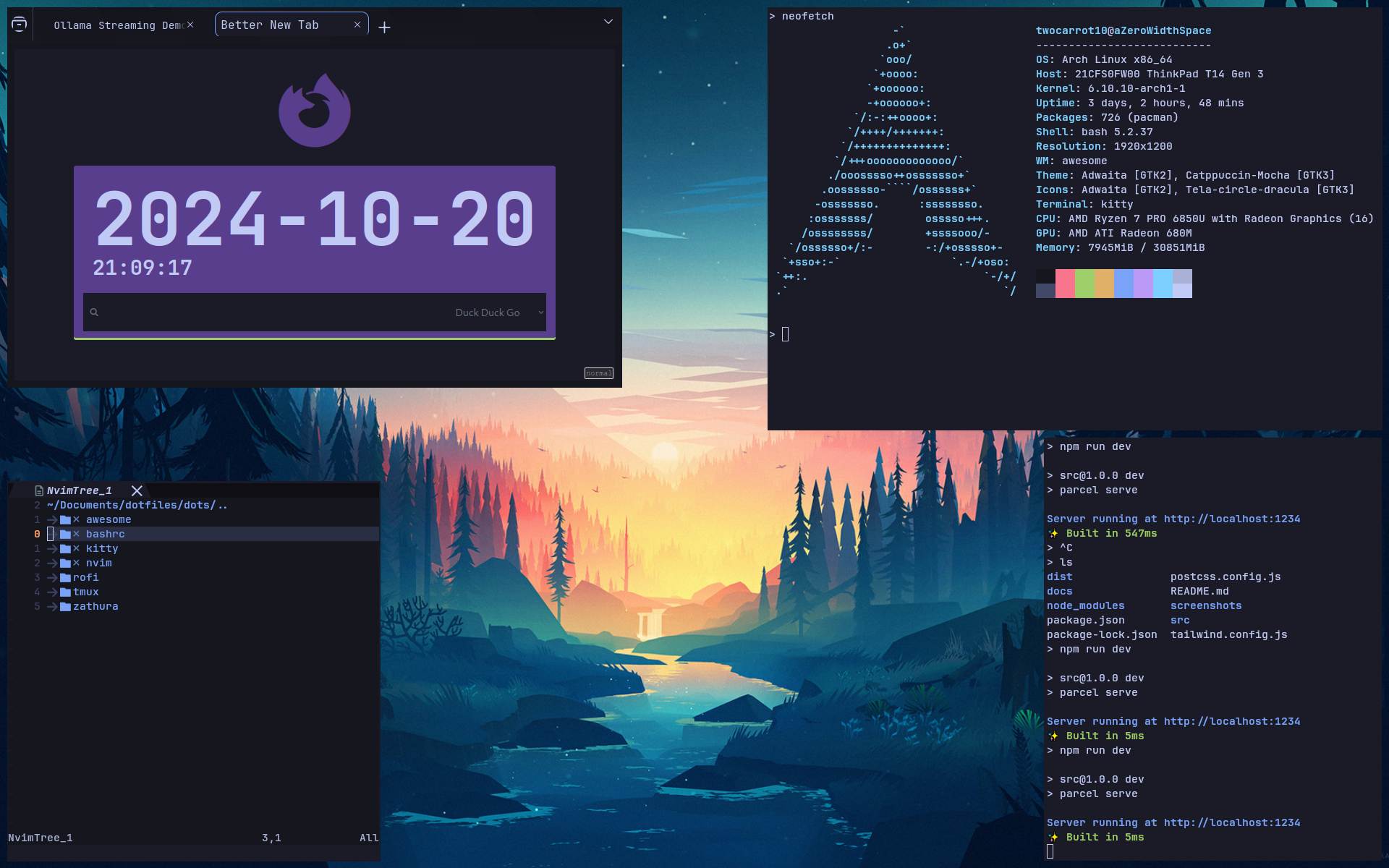
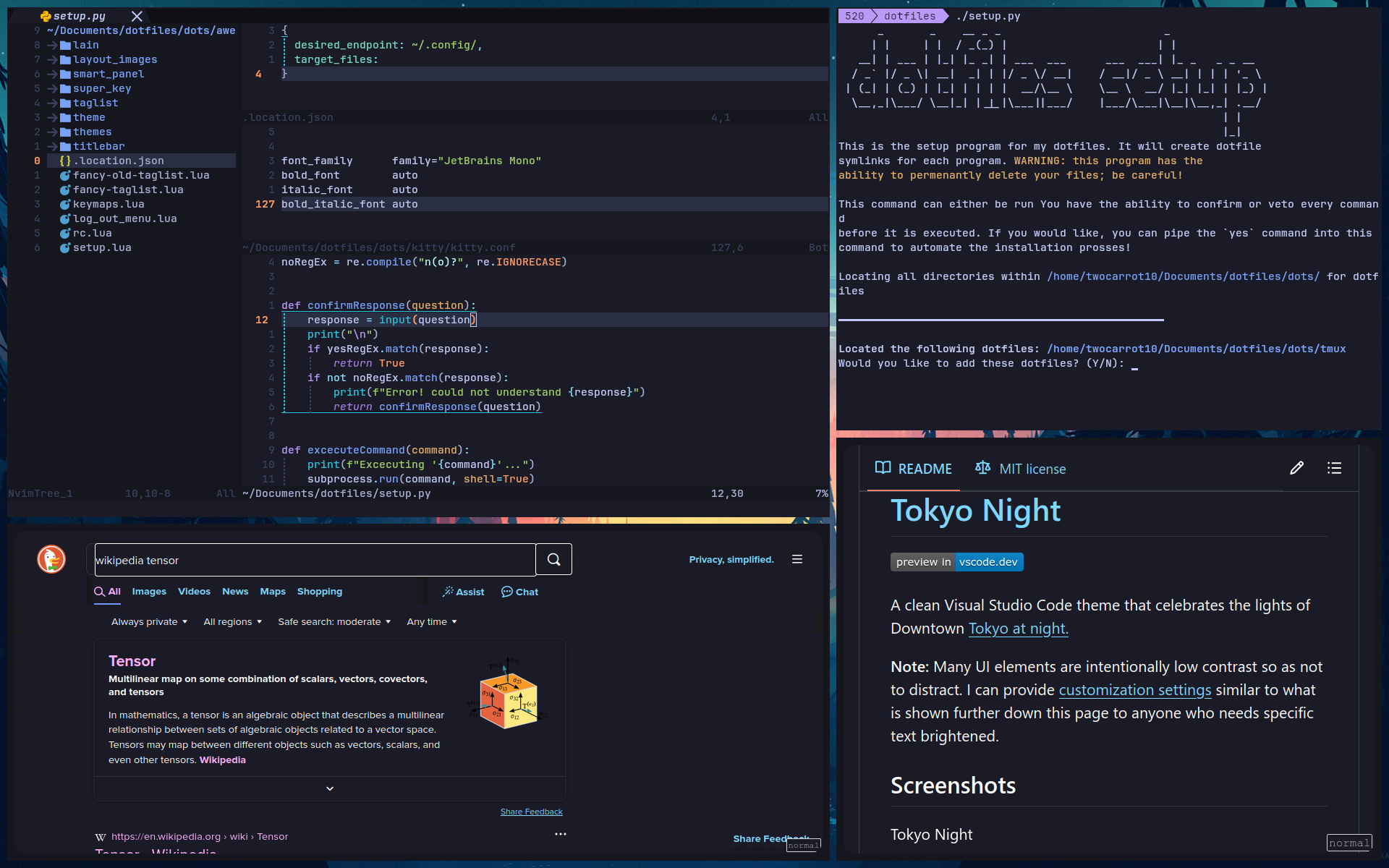
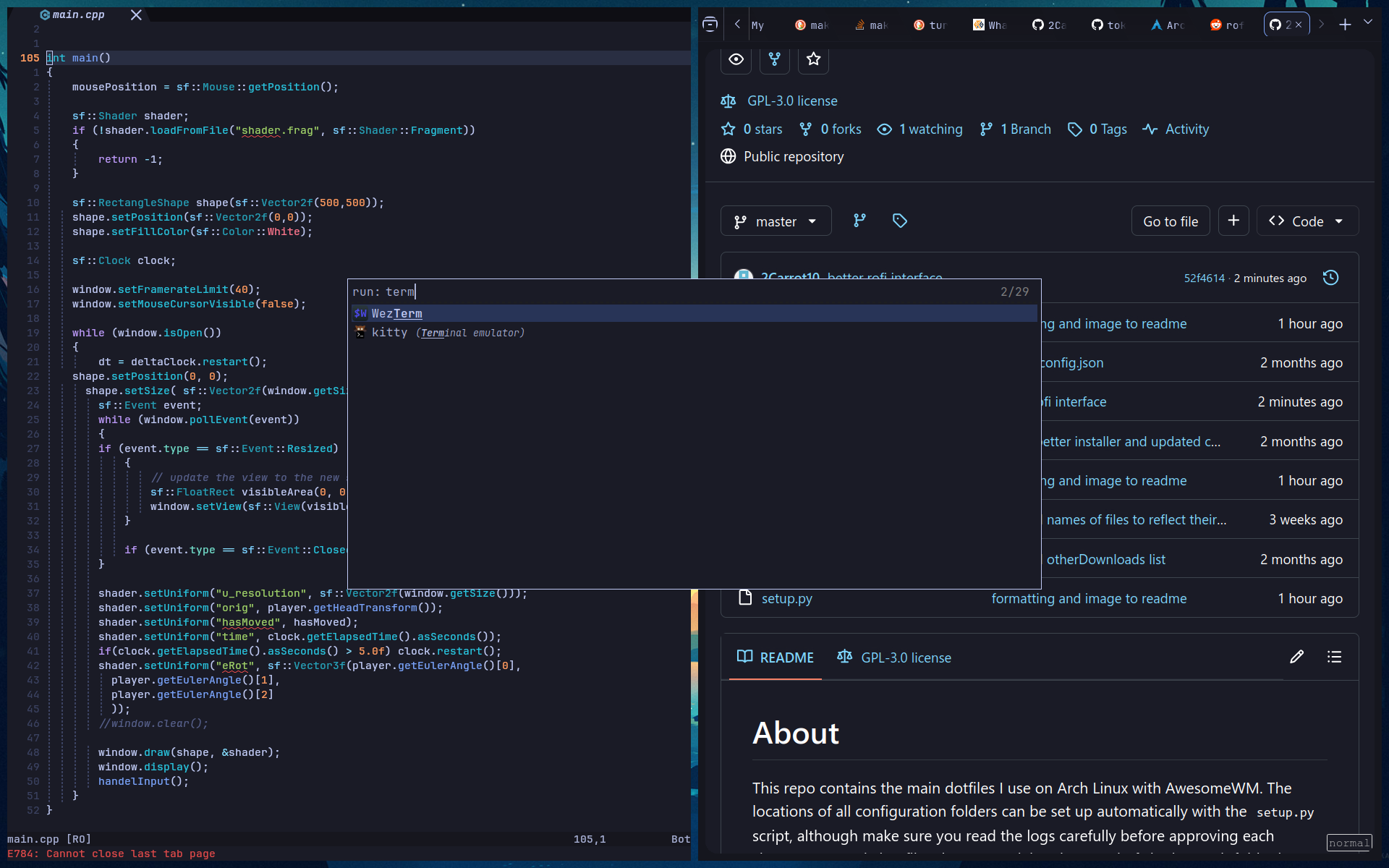
This project contains the main configuration files I use on my Arch Linux computers, an extensible configuration manager, and a config file to automatically install the operating system. This project is one of the largest projects I have made, taking over a hundred hours over the course of 10 months (so far).
This project contains configurations for many different programs: AwesomeWM, Neovim, Rofi, Kitty, Bash, and Tmux. Together, these configurations modify every aspect of how the user interacts with the computer. These configurations increase my productivity by providing me with a clear, distraction-free, and predictable environment.
One of the most important configurations contained within this project is AwesomeWM (AWM). The AWM configuration is responsible for the layout of taskbars, panels, and widgets; the control of window tiling and titlebars; and many keybinds and motions.
The custom configuration manager allows users to install, uninstall, and track configurations using a single command. This makes it easy to store and retrieve configurations on the cloud. The configuration manager provides clear outputs and prompts, allowing the user to accept/veto every command before it is executed. Here is an example use of the configuration manager:
 $ dotctl status
 tmux: linked
 nvim: not yet added
 awesome: cloned
 rofi: desired location contains incorrect directory
 bashrc: linked
 kitty: linked
 zathura: desired location contains incorrect file
The custom download program allows users to download and install the repository with a single command. The custom installation configuration allows users to install Arch Linux the right settings using a single command. This project allows me to go from a computer with no operating system installed to a computer with my customized user environment in less than 40 minutes and 2 commands!
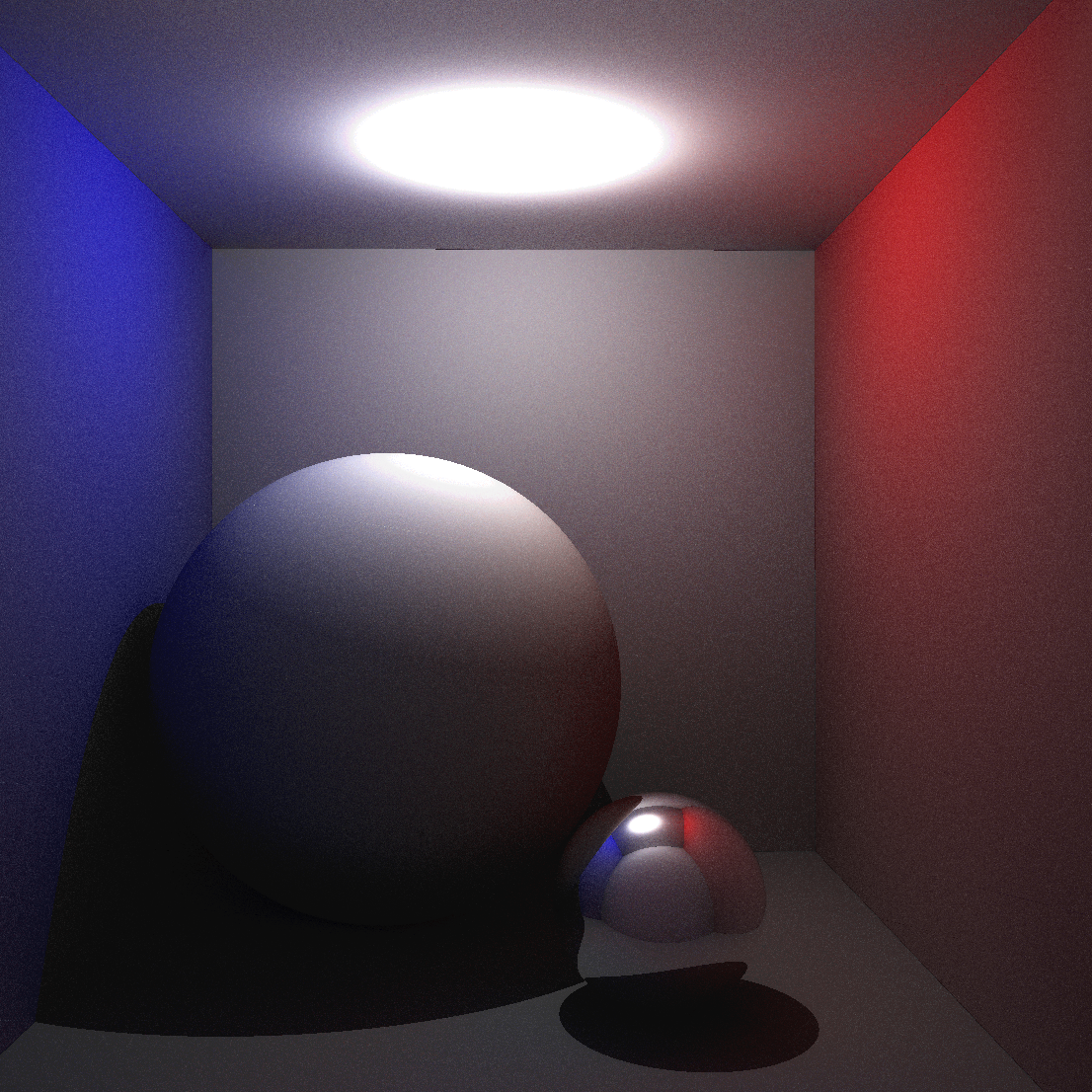
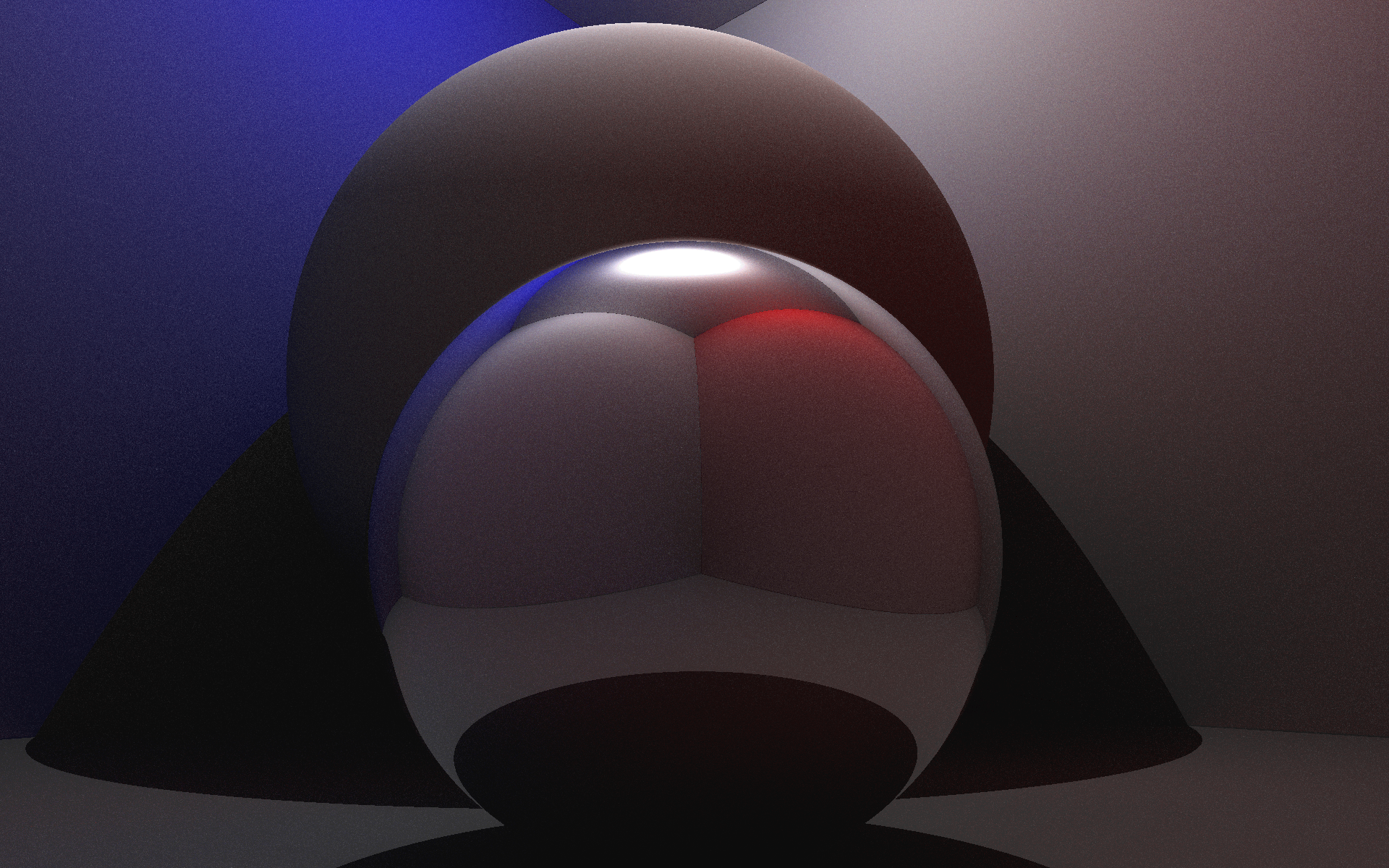
This is a semi-realtime 3D Renderer. This program renders scenes using ray tracing, a technique where each ray of light is simulated to create realistic shadows, reflections, and textures. This program utilizes a variety of techniques including Monte Carlo ray reflection, GPU acceleration, and global illumination (GI). I designed movement of the camera, and graphics completely from scratch; the libraries I used did not even have the notion of a camera, sphere, plane, or even a 3d position!
The default scene depicts the Cornell Box, a standard scene used to test rendering engines. This scene displays the results difficult rendering techniques such as GI and reflections. For instance, notice how light from the walls of the scene cause the large sphere to be partially blue and red.
I designed this program in part thanks to Justin Solomon's online lectures.

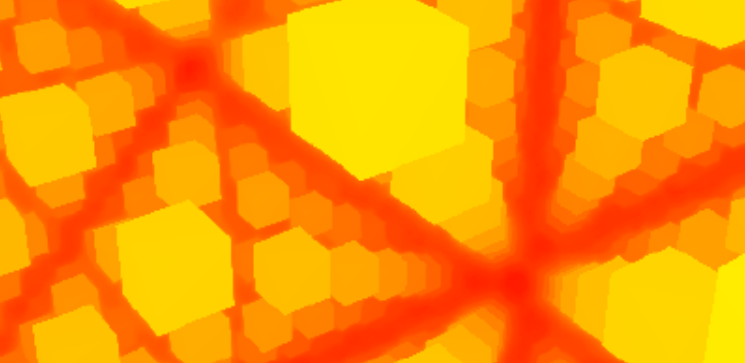

After designing the Ray Tracing algorithm, I wanted to create a programmatic way to generate surfaces on demand. While this this 3D renderer uses the same camera controls as the Ray Tracing program, instead of calculating collision's between all rays and objects, this algorithm uses a signed distance function to calculate the distance between the current position of the ray and the closest object. This algorithm allows the creation of fractals and repeating geometry. This project is heavily based on the game Marble Marcher.
To better understand how this algorithm works, I designed a two dimensional demo. This demo makes it easy to visually ensure that the signed distance function is valid. The demo has helped solve some otherwise puzzling bugs. The concentric rings represent positions of equal distance to the closest object.
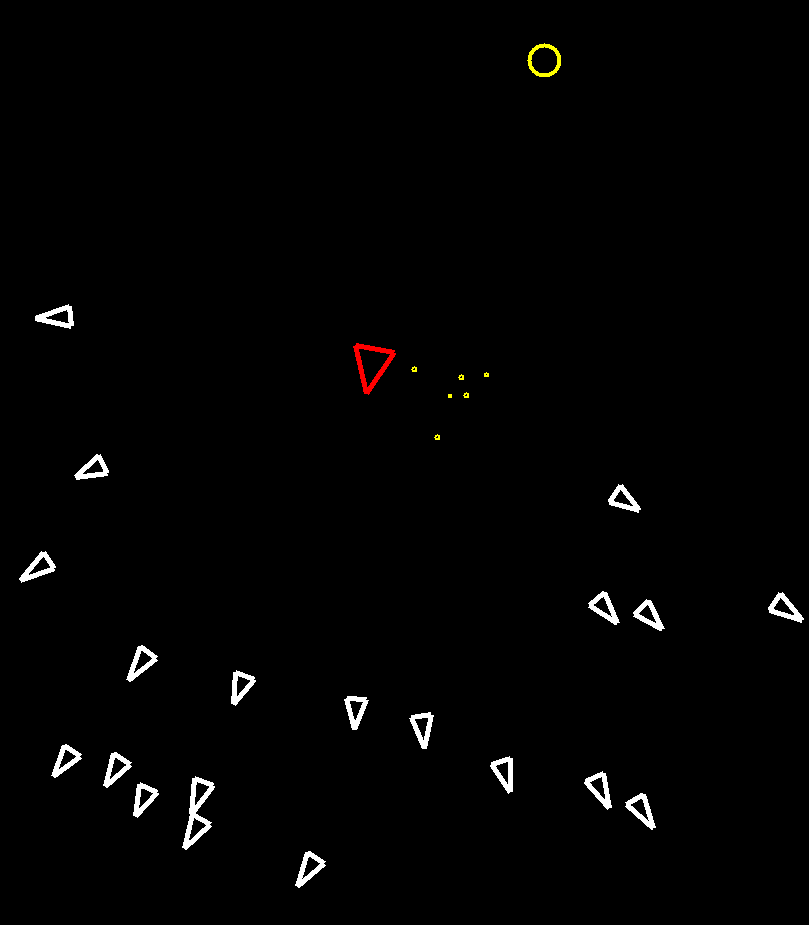
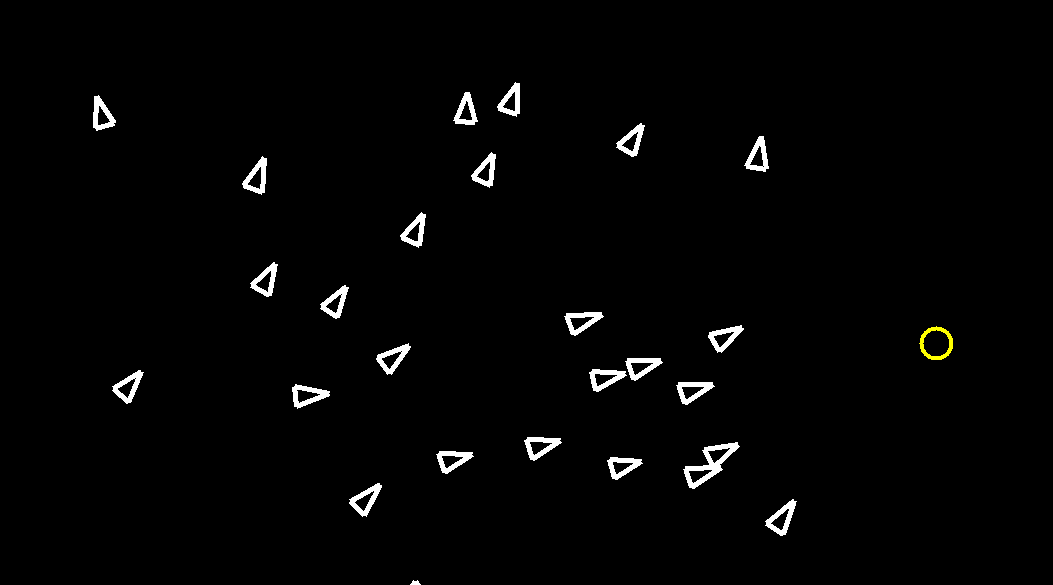
This projects is a simulation of many agents called "Boids". While each agent (fish) acts on its own, together, they create emergent behaviors such as swarms and faster responses to hazards and rewards. Each agent intelligently navigates away from enemies, towards food, and in accordance with the three rules outlined by Craig Reynolds: separation, alignment, and cohesion. To showcase these behaviors, this program allows users to interact with the simulation by placing food and enemies with the mouse. This project is a refined, 0-player version of the game I made 4 years prior, titled Swarm. This project was made using, C++, Bash, and TKinter.